Sprunki Bad Apple: Sprunki Bad Apple Game | Sprunki Game
Sprunki Bad Apple
Share Sprunki Bad Apple - A Monochrome Rhythm Experience
Discover More Sprunki Games
Squidki
Sprunki Swap Showcase
Sprunki Mustard Phase 2
Sprunkstard
Sprunki Relish
Sprunki Definitive Phase 7
Sprunki Chaotic Good
Sprunki grown up
Sprunki Pyramixed 0.9
Sprunki Agents
Sprunki Corruptbox 5
Sprunki Ships
Sprunki Phase 1.5
Sprunki Retake Bonus
Sprunki Phase 10000
Sprunki Retake Final Update
Scrunkly
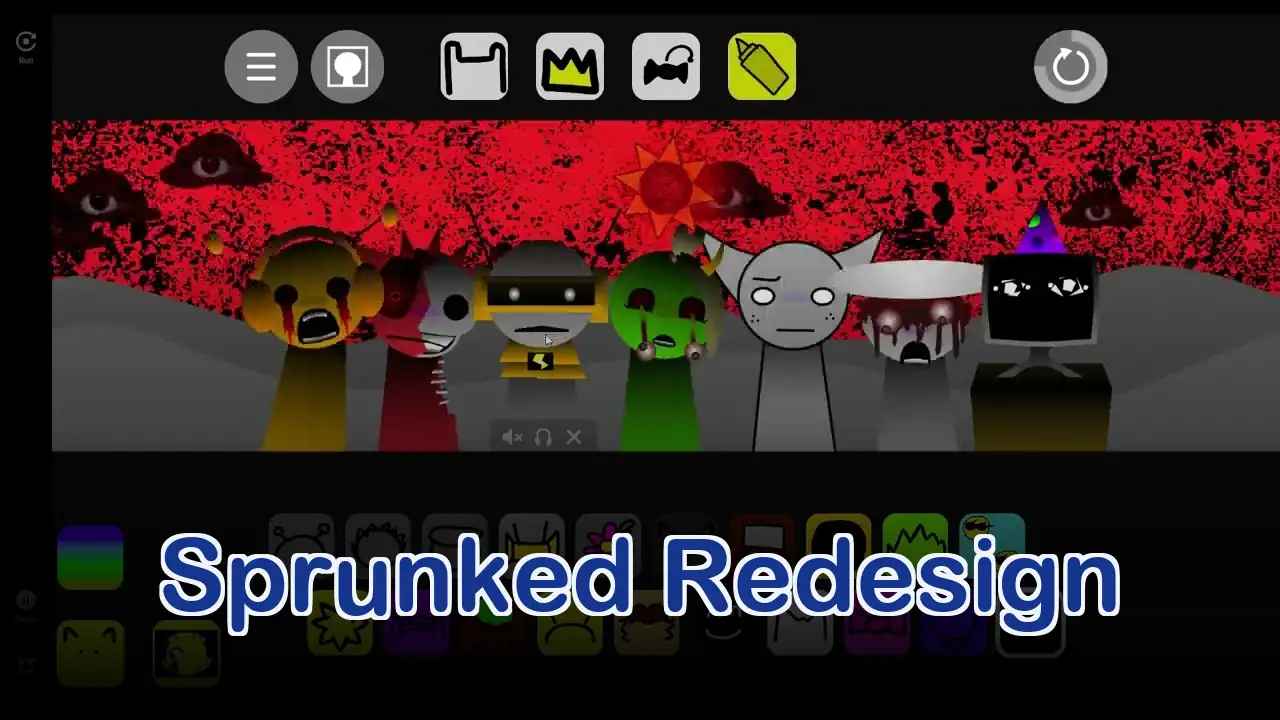
Sprunked Redesign
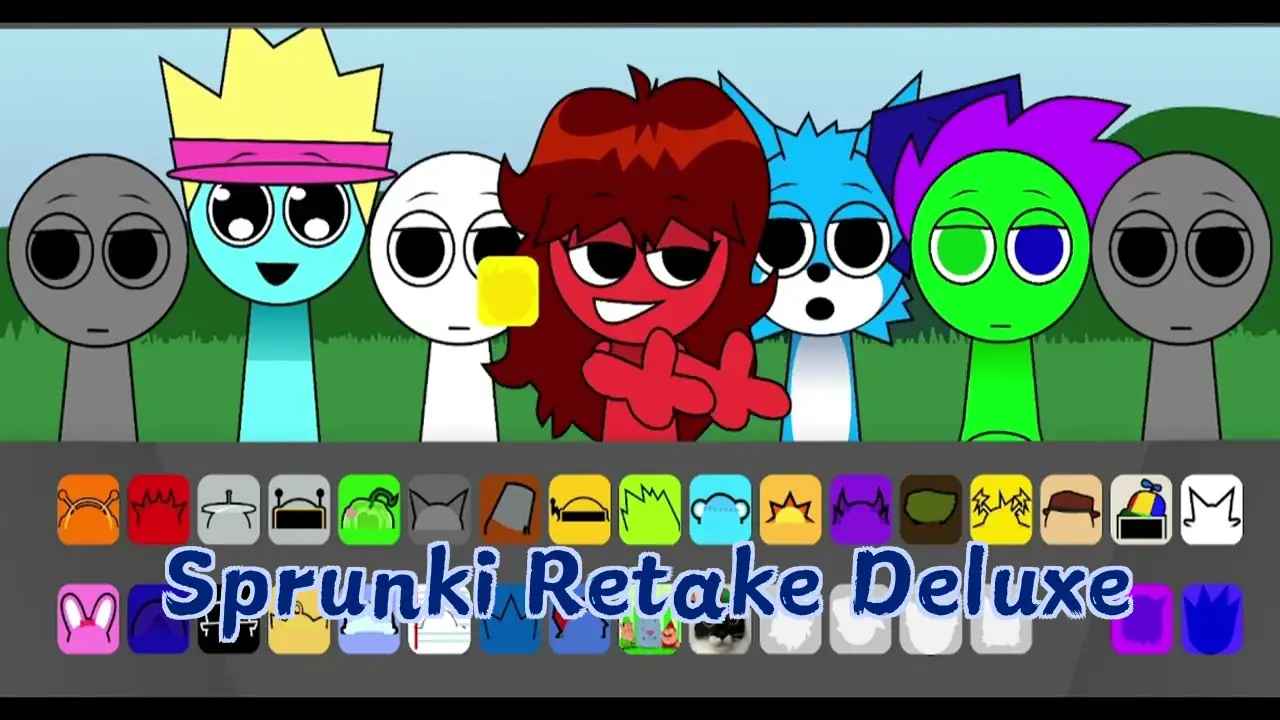
Sprunki Retake Deluxe
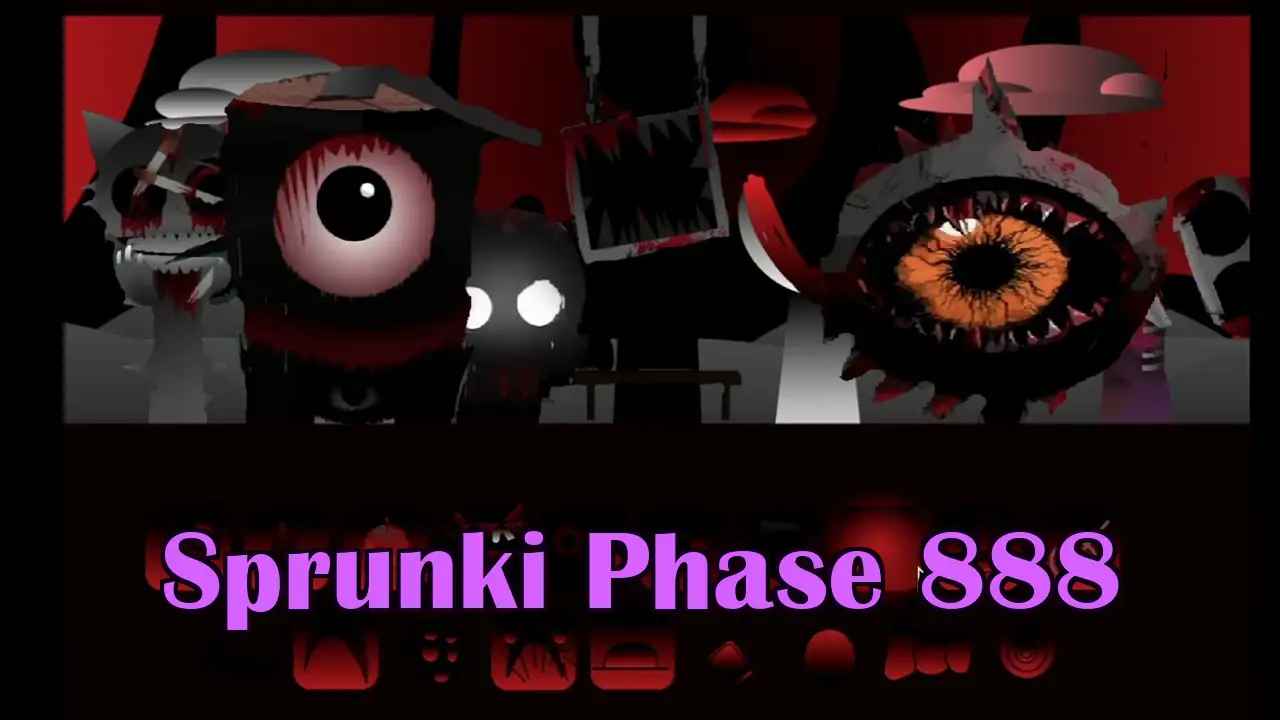
Sprunki Phase 888
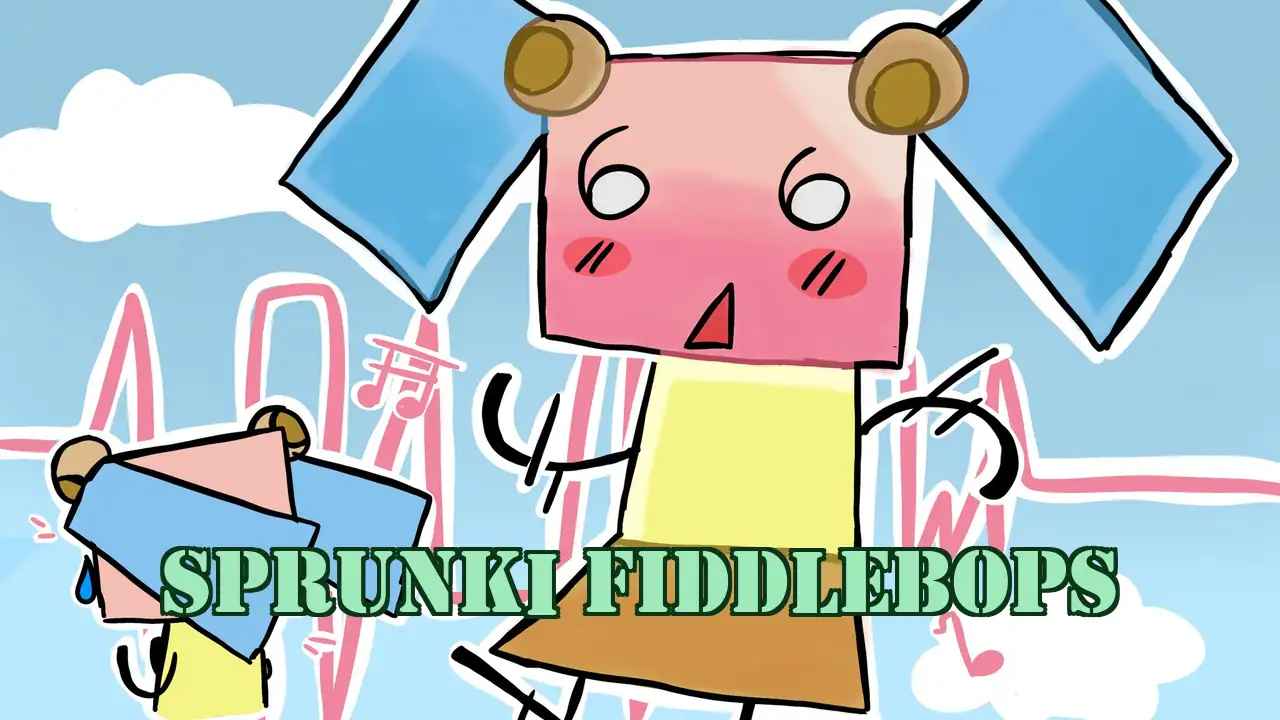
Sprunki Fiddlebops
Sprunki Swap
Sprunksters
Sprunki Vineria
Sprunki Interactive Tunner
Sprunki Skibidi Toilet Remake 5
Sprunki Sinner Christmas Edition
Orbits Beats
Sprunkrz
Sprunki Fase 3
More Games Like Sprunki Bad Apple
Drift Road
Tunnel Rush
Wobbly Pets
School Fury
FNF Nocturnal Protocol Mod
Speed Slope
Arrow Arena

Statle

Duck Life 4
Meowdoku
What Is Sprunki Bad Apple?
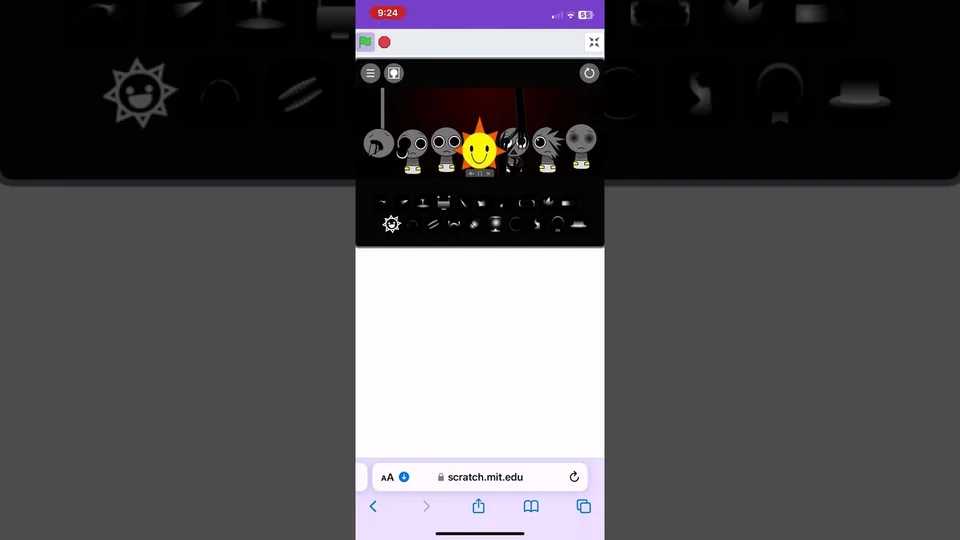
Sprunki Bad Apple is a browser-based rhythm mod for the Incredibox engine featuring a stark, monochrome aesthetic inspired by the iconic Bad Apple visual theme. It shifts from vibrant Sprunki chaos to minimalist, high-contrast style with silhouette animations and dramatic cinematic soundscapes.
How to Play Sprunki Bad Apple
Select Sound Icons
Choose from beats, melodies, effects, and vocals in the menu and drag them onto character avatars to create your rhythm.
Layer Your Composition
Combine multiple sound loops to build complex rhythmic arrangements and unlock deeper musical possibilities.
Trigger Horror Phase
Use specific sound combinations to initiate the Horror Phase where the monochrome palette inverts with dramatic strobing effects.
Key Features of Sprunki Bad Apple
Monochrome Visual Design
Experience stark black-and-white aesthetics inspired by the Bad Apple theme, creating a unique minimalist atmosphere.
Silhouette Animations
Watch dramatic silhouette-based character animations that shift and respond dynamically to your sound selections.
Drag-and-Drop Interface
Incredibox-style mechanics make sound layering intuitive and accessible for players of all skill levels.
Horror Phase System
Unlock tense atmospheric moments when specific sound combinations trigger visual inversions and strobing effects.
No Download Required - Play Instantly
Sprunki Bad Apple runs directly in your browser with no installation needed. Access it on desktop or mobile anytime.
Try Sprunki Retake for more Sprunki gameplay
Frequently Asked Questions
What is Sprunki Bad Apple?
Sprunki Bad Apple is a browser-based rhythm mod for the Incredibox engine featuring a striking monochrome aesthetic inspired by the Bad Apple visual theme, with silhouette animations and cinematic soundscapes.
How do I play Sprunki Bad Apple?
Use drag-and-drop mechanics to select sound icons from the menu and place them on character avatars. Layer multiple loops to build complex compositions and trigger the horror phase with specific combinations.
Is Sprunki Bad Apple free to play?
Yes, Sprunki Bad Apple is completely free and accessible through any modern web browser on both desktop and mobile platforms without downloads or installations.
What makes Sprunki Bad Apple unique?
Unlike typical Sprunki mods with vibrant colors, this game embraces a minimalist monochrome aesthetic with high contrast visuals and silhouette-based animations.
How do I trigger the Horror Phase?
Use specific sound combinations to initiate the Horror Phase where the monochrome palette inverts or strobes dramatically, creating a high-tension atmosphere.
Can I play on mobile devices?
Yes, Sprunki Bad Apple works on both desktop and mobile browsers with full functionality and touch-friendly drag-and-drop controls.
Do I need to install anything?
No installation required. Sprunki Bad Apple runs entirely in your web browser as a web-based mod for Incredibox.
What sound types are available?
Choose from four categories: beats, melodies, effects, and vocals. Each can be dragged onto character avatars to create your unique composition.
How do silhouette animations work?
Why choose Sprunki Bad Apple over other mods?
It offers a clean, artistic direction breaking away from neon aesthetics, relying on lighting, contrast, and rhythm for atmosphere instead of traditional gore.
Can I combine multiple sound loops?
Yes, layer multiple loops together to build complex rhythmic compositions with richer, more intricate audio results.
What is the Bad Apple theme?
Inspired by the iconic Bad Apple visual theme, featuring stark monochrome aesthetics and high-contrast cinematic visuals.
Why Play Sprunki Bad Apple?
Unique Monochrome Experience
Enjoy a refreshing minimalist take on the Sprunki horror formula with clean black-and-white visuals that emphasize contrast and atmosphere.
Creative Sound Layering
Build complex rhythmic compositions through intuitive drag-and-drop mechanics that let you experiment with beats, melodies, and vocals.
Atmospheric Horror Phase
Experience dramatic visual inversions and strobing effects when triggering the horror phase through specific sound combinations.
Pro Tips & Tricks
Sound Layering
Start with a basic beat, then layer melody and effects. Multiple loops create richer compositions.
Build from simple to complex rhythm structures
Character Placement
Distribute beat, melody, and vocal elements strategically
Horror Triggering
Experiment with sound combinations to unlock horror effects
Visual Monitoring
Watch the screen as you layer sounds for optimal results